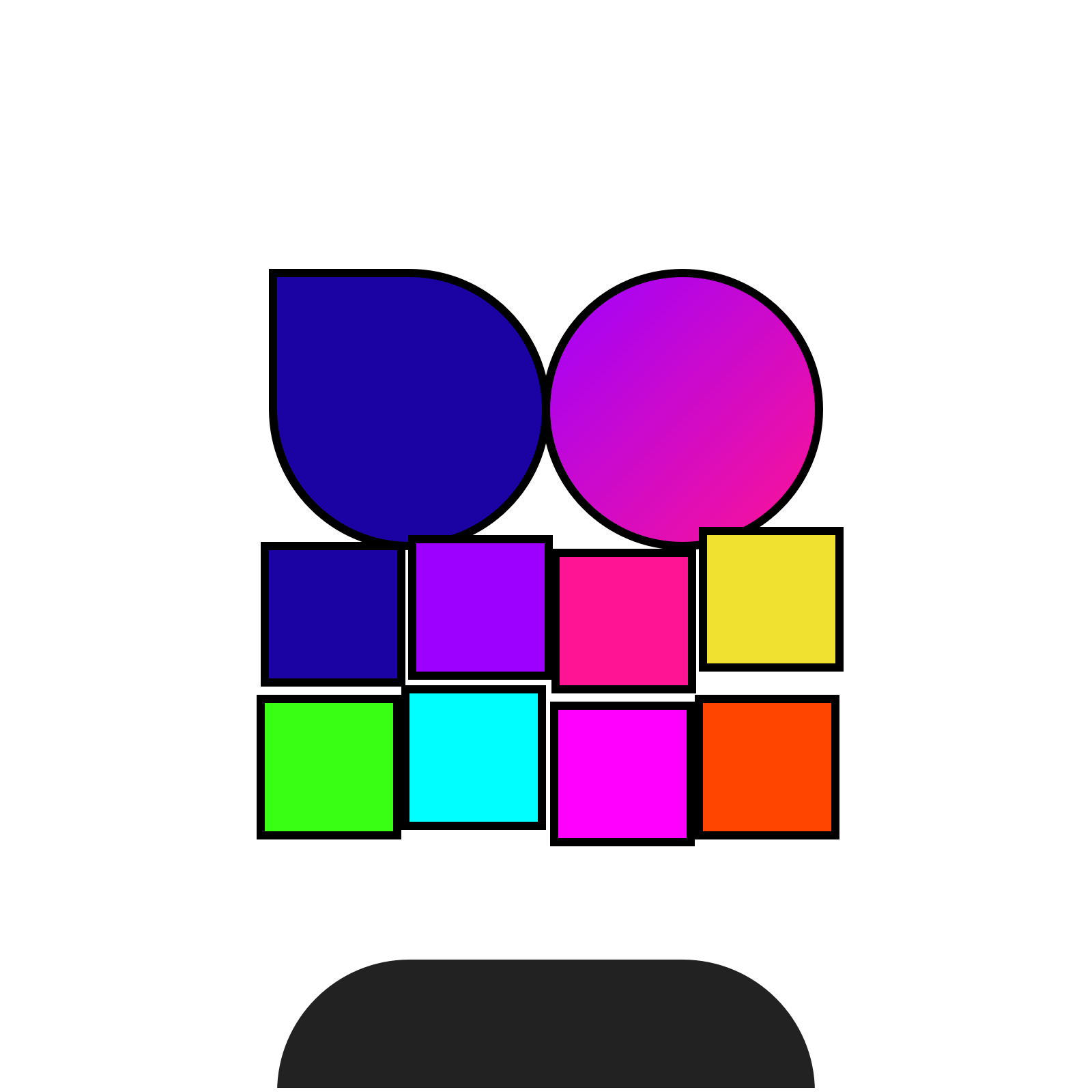
Try the Chat-GPT Enabled Opepen Plug-in and start producing Opepen SVGs
Launch Chat-PepenTips for using Chat-Pepen
Chat-Pepen works best when you provide clear, detailed prompts. Consider:
- Be specific: Include style, color, and layout details.
- Experiment: Try different descriptors like “minimalist,” “vintage,” or “cyberpunk.”
- Iterate: Refine your prompt based on previous results.
- Remix: Import your favorite SVG into SVG-Suite for further editing.
- Be Patient: Sometimes part of the fun is generating something unexpected. If it's off-track, explain your Opepen framework again or start a fresh chat. Have fun!
Some prompts for better results
Chat-Pepen can work in mysterious ways, but these commands help:
- “How can I best use Chat-Pepen?” Provides a quick rundown of its capabilities.
- “Adhere to the Basic Opepen Framework.” Reinforces the essential shape, then add chaos later.
- Start a fresh chat-box if it's way off. Avoid wrestling with a confused thread.
- Teach it like a child. Step-by-step guidance helps channel its wild imagination.
Chat-Pepen runs on GPT 4o. For even stronger consistency, export your designs as a JSON repository and feed them to a more advanced model. Happy creating!